Check CPU, RAM, disks, and network
After Rescue or a fresh install, confirm you received the hardware you paid for. These commands work the same on Ubuntu, Debian, and the Hetzner Rescue System.
One-shot overview
hostnamectllscpufree -hlsblkip -br aWhat you should see
Static hostname: dedicated Operating System: Ubuntu 24.04.1 LTS Kernel: Linux 6.8.0-41-generic Architecture: x86-64 Architecture: x86_64CPU(s): 32Model name: AMD EPYC 7502P 32-Core ProcessorVirtualization: AMD-V total used free shared buff/cache availableMem: 125Gi 4.1Gi 98Gi 12Mi 23Gi 120GiSwap: 8.0Gi 0B 8.0Gi NAME SIZE TYPE MOUNTPOINTnvme0n1 476.9G disknvme1n1 476.9G disk lo UNKNOWN 127.0.0.1/8enp35s0 UP 203.0.113.10/26 2a01:4f8:xxx::2/64CPU
lscpunproclscpu -egrep -E 'model name|cpu cores|siblings|Flags' /proc/cpuinfo | headegrep -c '(vmx|svm)' /proc/cpuinfoWhat you should see
32CPU NODE SOCKET CORE L1d:L1i:L2:L3 ONLINE 0 0 0 0 0:0:0:0 yes 1 0 0 1 1:1:1:0 yes...model name : AMD EPYC 7502P 32-Core Processor32vmx (Intel) or svm (AMD) means the CPU can run virtual machines — required later for Proxmox / KVM. A count of 0 means virtualization is off in BIOS (ask Hetzner / check Robot if you expected it).
lscpu “CPU(s)” is threads. On SMT/Hyper-Threading, that is often 2× the physical cores.RAM
free -hcat /proc/meminfo | headdmidecode -t memory | grep -E 'Size:|Speed:|Manufacturer:'What you should see
total used free shared buff/cache availableMem: 125Gi 4.1Gi 98Gi 12Mi 23Gi 120GiSwap: 8.0Gi 0B 8.0Gi MemTotal: 131686400 kBMemFree: 103809024 kBMemAvailable: 126877696 kB Size: 32 GB Speed: 3200 MT/s Manufacturer: Samsungdmidecode reads firmware tables. Install it if missing: apt install dmidecode. In Rescue it is often already there.
Disks
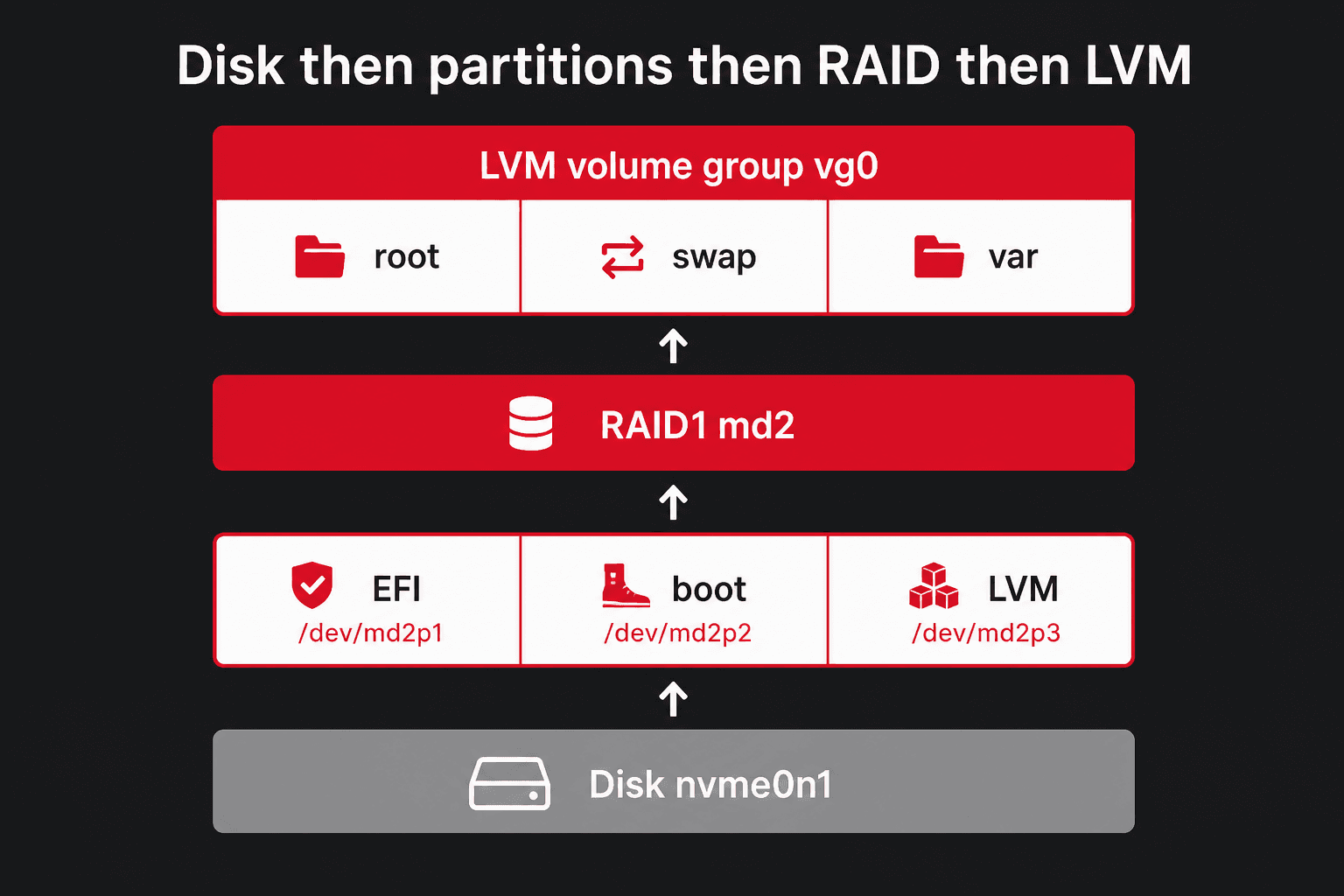
lsblk -d -o NAME,SIZE,MODEL,ROTA,TRANlsblk -o NAME,SIZE,TYPE,FSTYPE,MOUNTPOINTfdisk -l# NVMe list (if nvme-cli is installed)nvme listWhat you should see
NAME SIZE MODEL ROTA TRANnvme0n1 476.9G SAMSUNG MZVL2512 0 nvmenvme1n1 476.9G SAMSUNG MZVL2512 0 nvme Node SN Model Namespace Usage/dev/nvme0n1 S4XXXXXX SAMSUNG MZVL2512 1 512 GB/dev/nvme1n1 S4YYYYYY SAMSUNG MZVL2512 1 512 GBROTA 0 is SSD/NVMe. ROTA 1 is a spinning HDD. TRAN shows sata, nvme, sas.
apt install -y smartmontoolssmartctl -a /dev/sdasmartctl -a /dev/nvme0n1What you should see
SMART overall-health self-assessment test result: PASSEDTemperature: 34 CelsiusAvailable Spare: 100%Percentage Used: 3%Power On Hours: 4120PCI devices and RAID cards
lspcilspci | grep -i -E 'raid|nvme|ethernet|vga'lshw -shortWhat you should see
01:00.0 Non-Volatile memory controller: Samsung Electronics Co Ltd NVMe SSD Controller01:00.1 Non-Volatile memory controller: Samsung Electronics Co Ltd NVMe SSD Controller35:00.0 Ethernet controller: Intel Corporation Ethernet Controller 10G X550TIf you see Adaptec, LSI, or MegaRAID, that is hardware RAID. Configure it before installimage. If you only see NVMe or AHCI SATA, use software RAID.
Network
Hetzner gives you a public IPv4 (and usually IPv6). The interface name may be eth0, enp*, or similar.
ip -br aip -4 aip -6 aip rip -6 rcat /etc/network/interfacesls /etc/netplan 2>/dev/nullWhat you should see
lo UNKNOWN 127.0.0.1/8enp35s0 UP 203.0.113.10/26 default via 203.0.113.1 dev enp35s0203.0.113.0/26 dev enp35s0 proto kernel scope link src 203.0.113.10 01-netcfg.yamlDebian often uses /etc/network/interfaces. Ubuntu often uses Netplan under /etc/netplan. Rescue can show live addresses even when those files are empty.
Temperatures and load
uptimecat /proc/loadavgapt install -y lm-sensorssensorsWhat you should see
10:22:01 up 14 days, 3:11, 1 user, load average: 0.08, 0.12, 0.090.08 0.12 0.09 1/428 18420 k10temp-pci-00c3Adapter: PCI adapterTctl: +41.1°C