Command cheat sheet
Same commands as the guides, grouped for a second screen while you are SSH’d into Rescue or the installed OS.
Tip
Each block below shows the command, then a beginner sample of what the screen usually looks like. Longer walkthroughs live on the topic pages.
SSH
ssh root@YOUR.SERVER.IPssh -p 222 root@YOUR.SERVER.IPssh-keygen -R YOUR.SERVER.IPWhat you should see
Welcome to the Hetzner Rescue System.root@rescue ~ #Rescue
installimagelsblk -fblkidcat /proc/mdstatpvs; vgs; lvsls /dev/mapper/findmnt /mount /dev/md2 /mntmount /dev/mapper/vg0-root /mntchroot-prepare /mntchroot /mntpasswdmdadm --stop /dev/md*wipefs -fa /dev/sd*wipefs -fa /dev/nvme*n1rebootWhat you should see
NAME SIZE TYPEnvme0n1 476.9G disk└─md2 475.6G raid1[2/2] [UU]passwd: password updated successfullymdadm: stopped /dev/md2Connection to 203.0.113.10 closed by remote host.See disks and RAID
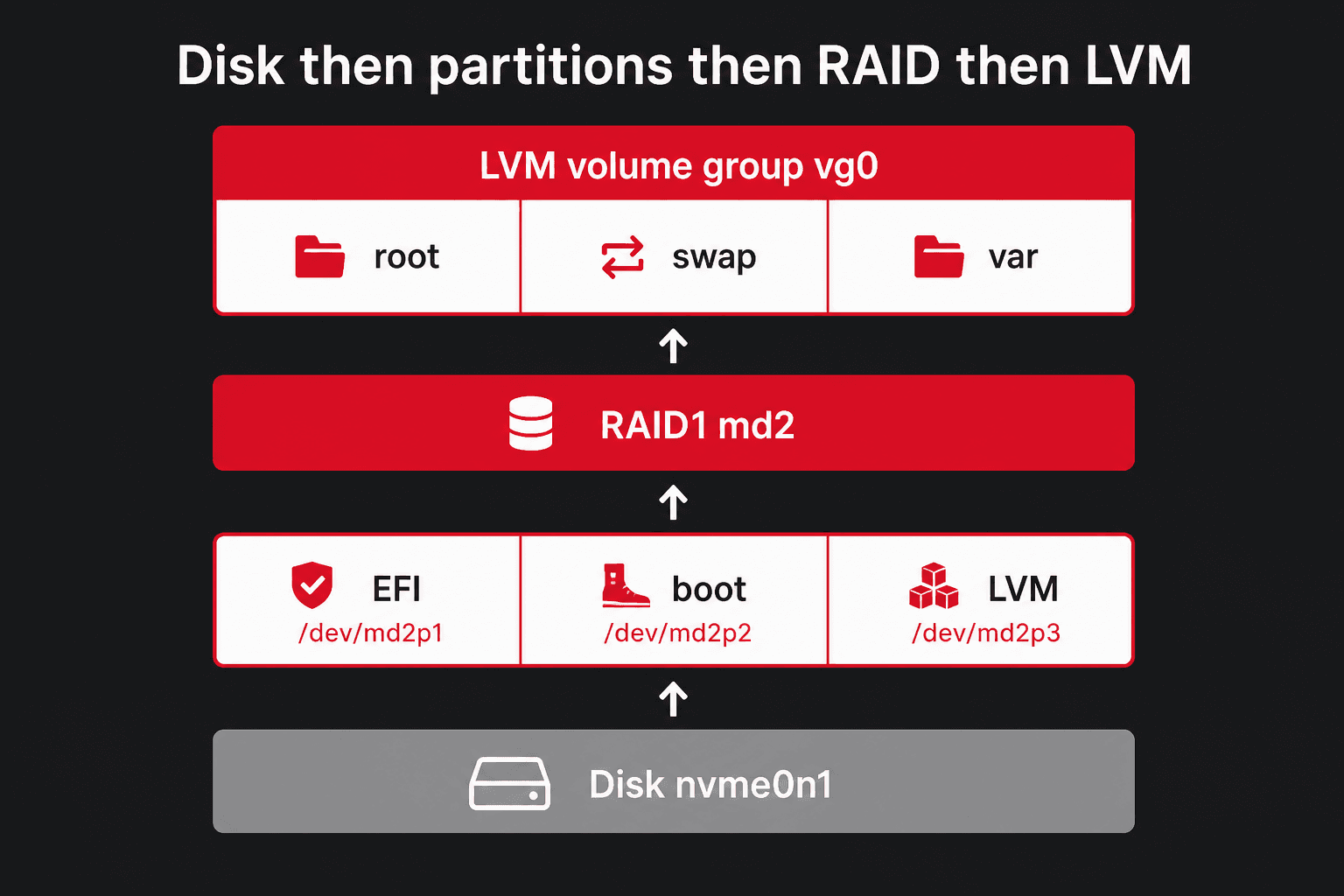
lsblk -o NAME,SIZE,TYPE,FSTYPE,MOUNTPOINT,UUIDlsblk -fcat /proc/mdstatmdadm --detail /dev/md2pvs; vgs; lvsparted -lblkidfindmntWhat you should see
NAME SIZE TYPE FSTYPE MOUNTPOINTnvme0n1 477G disk└─md2 476G raid1 LVM2_member └─vg0-root 50G lvm ext4 /State : clean Active Devices : 2 Failed Devices : 0Partitioning
parted /dev/sda printfdisk -llsblk -o NAME,PARTTYPENAME,FSTYPE,MOUNTPOINTblkidlvextend -r -L +20G /dev/vg0/rootlvextend -r -l +100%FREE /dev/vg0/varWhat you should see
Partition Table: gptNAME PARTTYPENAME FSTYPE MOUNTPOINTnvme0n1p2 Linux filesystem ext4 /bootnvme0n1p3 Linux LVM LVM2_member Size of logical volume vg0/root changed from 50.00 GiB to 70.00 GiB. Logical volume vg0/root successfully resized.PARTTYPENAME is the GPT/MBR label. FSTYPE is the real format (ext4, xfs, btrfs). They are different columns, and ext2–ext4 / XFS / Btrfs are explained on Partitioning.
File System
lsblk -fdf -hTblkidmkfs.ext4 /dev/vg0/rootmkfs.xfs /dev/vg0/varmkfs.btrfs /dev/sdb1What you should see
Filesystem Type Size Used Avail Use% Mounted on/dev/mapper/vg0-root ext4 49G 6.2G 41G 14% /mke2fs 1.47.0Creating filesystem with … 4k blocksFile listings and metadata
pwdls -lls -lahls -lils -ld /etcstat /etc/hostnamestat -c '%n %i %A %s' /etc/hostnamefile /etc/hostnamereadlink -f /etc/hostnamefind / -xdev -inum 131075 2>/dev/nullWhat you should see
/root-rw-r--r-- 1 root root 3106 Apr 12 09:11 .bashrc131075 -rw-r--r-- 1 root root 3106 Apr 12 09:11 .bashrc File: /etc/hostname Inode: 1314 Access: (0644/-rw-r--r--)/etc/hostname 1314 -rw-r--r-- 9Specs
hostnamectllscpunprocfree -hdmidecode -t memory | grep Sizelsblk -d -o NAME,SIZE,MODEL,ROTA,TRANsmartctl -a /dev/nvme0n1lspci | grep -i -E 'raid|nvme|ethernet'ip -br aip rWhat you should see
Operating System: Ubuntu 24.04.1 LTSCPU(s): 32 Model name: AMD EPYC 7502PMem: 125Gi available 120Ginvme0n1 476.9G SAMSUNG ROTA 0 TRAN nvmeSMART overall-health self-assessment test result: PASSEDenp35s0 UP 203.0.113.10/26Disk space and RAM
df -hTdf -idu -h --max-depth=1 / 2>/dev/null | sort -hncdu /free -hhtopps aux --sort=-%mem | headiostat -xz 1 5journalctl --disk-usageWhat you should see
Filesystem Size Used Avail Use% Mounted on/dev/mapper/vg0-root 49G 6.2G 41G 14% /Mem: 125Gi used 4.1Gi available 120GiArchived and active journals take up 412.0MFirewall and ports
ss -tulpnufw status verboseufw allow OpenSSHiptables -L -n -viptables -t nat -L -n -vnft list rulesetWhat you should see
tcp LISTEN 0.0.0.0:22 users:(("sshd",pid=1012))Status: active22/tcp (OpenSSH) ALLOW IN AnywhereUbuntu / Debian after install
passwdapt updateapt upgrade -yapt install -y sudo vim htop tmux curl ca-certificatestimedatectlWhat you should see
passwd: password updated successfullyAll packages are up to date.Time zone: Europe/Berlin (CEST, +0200)