Later: Proxmox and Incus
Once the dedicated server installs cleanly, RAID is healthy, and you can read df/free, you can turn the same box into a hypervisor. This page is the map, not the full install runbook.
What a hypervisor is
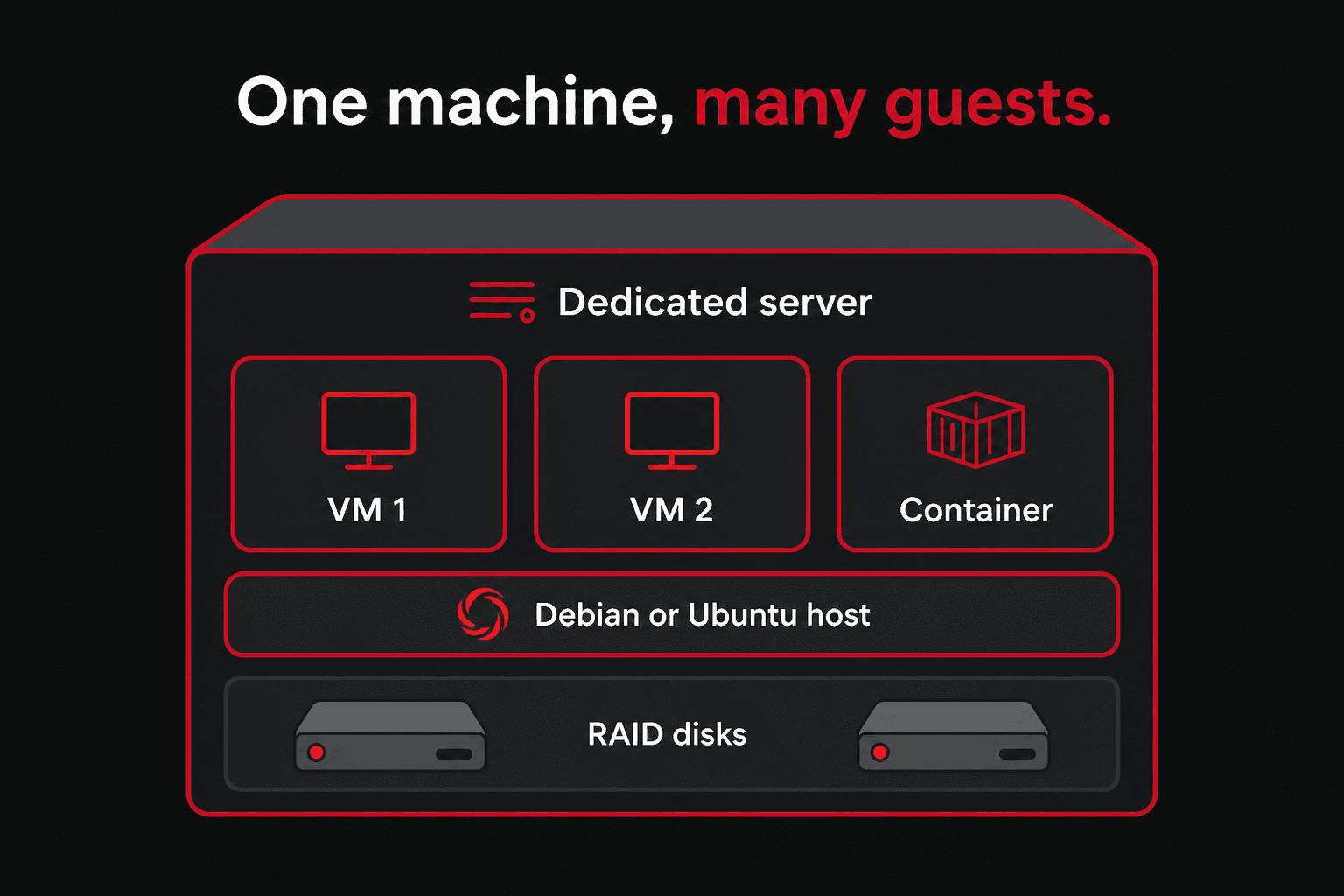
Today you log into one Ubuntu or Debian. A hypervisor lets that machine host many guests: virtual machines (full OS) and containers (lighter isolation). You still have one physical server, one RAID, one public IP to plan around.
Proxmox VE
Debian-based platform with a web UI on port 8006. KVM virtual machines and LXC containers. Very common on Hetzner dedicated.
Incus
Successor to LXD. System containers and VMs from the command line or API. Fits well if you already like Ubuntu/Debian tooling.
Do this first (you are here)
- Boot Rescue and inspect disks with
lsblk. - Install Debian (best for Proxmox) or Ubuntu (fine for Incus).
- Use RAID1 on two OS disks unless you have a hardware RAID card.
- Confirm virtualization flags:
egrep -c '(vmx|svm)' /proc/cpuinfomust not be 0. - Know
free -handdf -hso guests do not starve the host.
Publishing a guest website on the public IP is port forwarding (DNAT), not a second bind on the same host port.
Proxmox on Hetzner (overview)
Two common paths:
- Debian then Proxmox packages — installimage a minimal Debian, then add the Proxmox VE repository and install
proxmox-ve. You must replace Debian’s kernel with Proxmox’s and fix networking for a single public IPv4 (routed extra IPs or a private bridge). - Unattended ISO from Rescue — community tutorials build a Proxmox auto-install ISO in Rescue and write it to the NVMe drives. See Hetzner Community: “Unattended Proxmox VE Installation on a Hetzner Dedicated Server”.
pveversionqm listpct listdf -hzpool statusWhat you should see
pve-manager/8.3.2/1234567 (running kernel: 6.8.12-2-pve) VMID NAME STATUS MEM(MB) BOOTDISK(GB) 100 web running 4096 32.00 101 db stopped 8192 80.00VMID Status Lock Name102 running mailno pools availableWeb UI: https://YOUR.SERVER.IP:8006. First login is root with the password you set at install. Inside a guest, disks are often /dev/vda (virtio), not the host’s nvme0n1. How those names fit the storage stack: Rescue. Hetzner networking (single IPv4, extra IPs, IPv6) is the part people get stuck on — follow a current Hetzner-specific guide when you are ready, do not copy random /etc/network/interfaces from old forum posts.
Incus on Hetzner (overview)
On an already-installed Ubuntu or Debian:
apt updateapt install -y incusincus admin initincus listWhat you should see
Would you like to use clustering? (yes/no) [default=no]: noDo you want to configure a new storage pool? (yes/no) [default=yes]: yesName of the new storage pool [default=default]: defaultName of the storage backend [default=dir]: dir +------+-------+------+------+------+-----------+| NAME | STATE | IPV4 | IPV6 | TYPE | SNAPSHOTS |+------+-------+------+------+------+-----------+incus admin init is a wizard: storage pool (dir, ZFS, btrfs, LVM), network bridge, and clustering. Start with a directory or LVM pool on your existing RAID until you know you want ZFS. A btrfs pool is the reason people pick Btrfs on this box: Incus can snapshot containers without a second tool. Keep the host OS on ext4/XFS from installimage; use Btrfs as that extra pool, not as a replacement for mdadm RAID1. Feature comparison: File System.
There is also IncusOS, a dedicated image that can be installed from Rescue on some Hetzner models with TPM and UEFI Secure Boot. That path needs a KVM session from Hetzner support. Official notes: Installing IncusOS on a Hetzner dedicated server.
When you come back to this page
Bring a written plan: Debian vs Ubuntu, mdadm vs ZFS, how guests get IP addresses, and where backups go. The Rescue, RAID, and partitioning chapters still apply — a hypervisor sits on top of those decisions.